Feb 17, 2026
12 min read
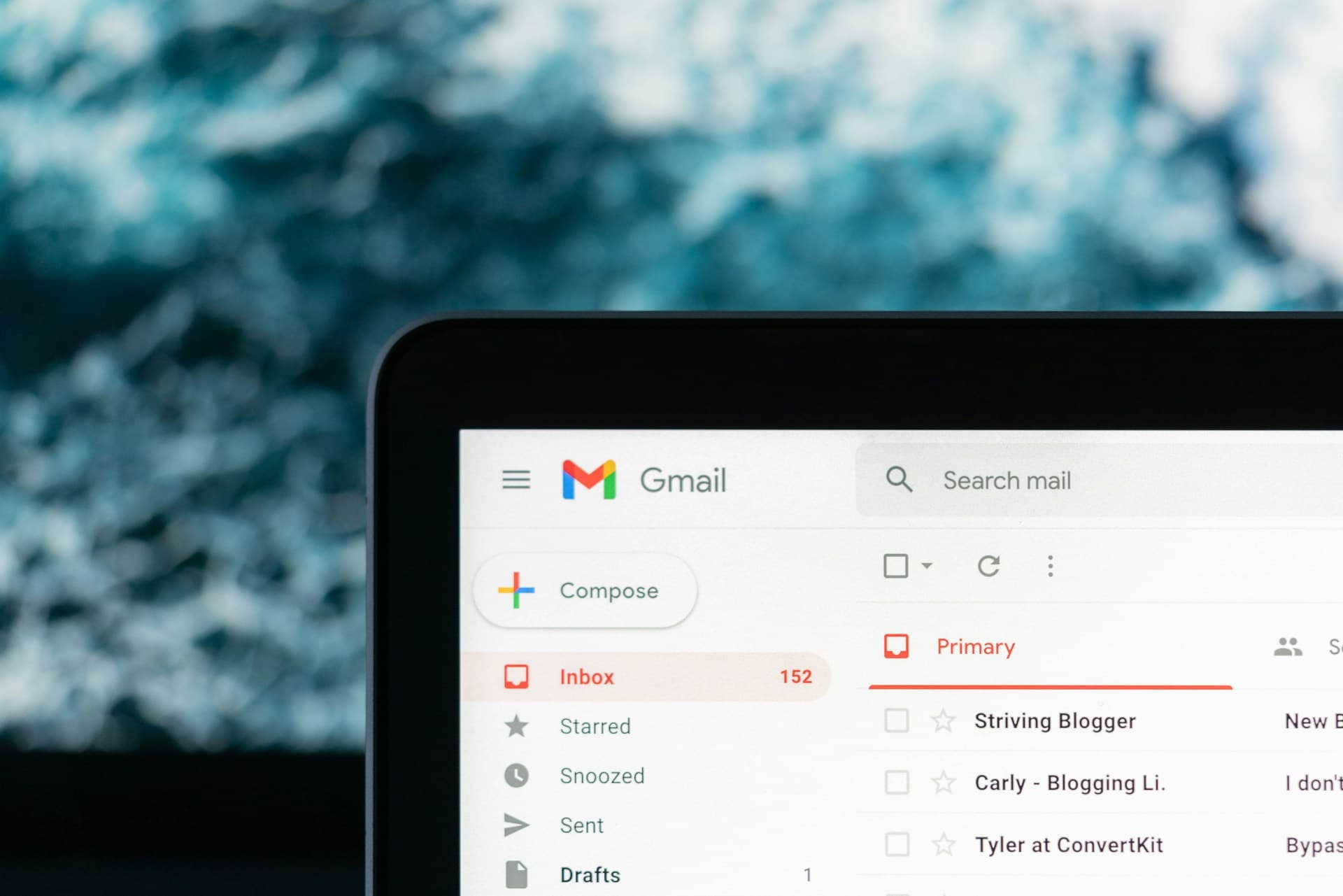
Search for "how to organise your inbox" and you will find thousands of tips, but most of them miss the biggest modern driver of inbox chaos: newsletter and subscription email volume. Over the last decade, more companies started using content marketing, lifecycle emails, product updates, and promotional sequences. At the same time, newsletters became a mainstream way to follow the news, learn new skills, and keep up with industries without doomscrolling.
The result is predictable. Even people who genuinely like newsletters end up with inboxes full of unread email. Don't get us wrong here. The culprit is not newsletter. There is nothing wrong with them!
The issue is that your inbox is doing too many jobs at once. It is where you receive time-sensitive work messages, receipts, logistics, and alerts, but it has also become where your reading lives. Mix those together and you get constant context switching, constant checking, and the low-grade stress of always being behind.
This is why newsletter overload is closely linked to information overload. The issue is not the existence of newsletters per se. It is the absence of a system for reading them, storing them, and separating them from operational email.
Inbox overload is not just about "too many emails." It contains the burden of the whole of digital communications landscape.
First, email became the default channel for almost every digital product relationship. Every app wants to send onboarding tips, "what you missed," feature announcements, and weekly summaries. Second, content marketing scaled. A single signup can trigger a chain of automated emails that keep coming for months. Third, subscription content expanded, because audiences want calmer, higher-quality writing that helps them make sense of the world without living inside social feeds.
All of that means you can be subscribed to a handful of daily newsletters and quickly create a steady flow of unread messages, even if each newsletter is good. It is the accumulation that breaks the system. Your inbox becomes a mixed stream of actions and reading, and your brain treats it all as "pending." That is how email turns into a stressor, not a tool.

The growing frustrations with inbox overload reached a point last year where Google felt like they had to step in…
In July 2025, Google announced a Gmail feature called "Manage subscriptions", which gives users a single place to view subscription senders and unsubscribe more easily, including one-click unsubscribes. Gmail's help documentation also explains how users can find "Manage subscriptions" in the left menu and unsubscribe directly from that screen.
This sits alongside Google's broader email sender requirements. Google's guidelines state that bulk senders (over 5,000 messages per day) must support one-click unsubscribe for marketing and subscribed messages. In other words, even the infrastructure around email is being pushed toward easier opting out and cleaner inboxes.
It's important to emphasise one point: newsletters are one of the highest quality content you can consume on the internet. They give you a solid alternative to endless doomscrolling on social media and they can be a great leverage to keep up-to-date, discover new subjects and even learn new skills!
The solution is not "unsubscribe from everything." A good newsletter is one of the best formats for staying informed and continuously learning. It is finite, which means you can finish it. It is usually written with a clear point of view, which makes it easier to understand what matters. And it is calmer than social feeds because it is not optimized for outrage, speed, or endless engagement.
Newsletters also create continuity. If you read the same writer for a few months, you start building real context. You stop reacting to isolated headlines and you start understanding patterns, incentives, and what is changing under the surface. That's why newsletters have become part of the antidote to doomscrolling and "brain rot." They are a more deliberate way to consume information and build knowledge.
The problem is where newsletters live. The inbox is designed for communication and action, not reading. When newsletters arrive next to work emails, invoices, calendar updates, and personal messages, everything gets mixed into one stream. Your brain treats all of it as unfinished. Even if a newsletter is something you want to read, it becomes another unread item inside a crowded list.
Newsletter frequency also compounds quickly. A small set of daily newsletters can create a steady flow of unread email within days, especially when life gets busy. And because newsletters are rarely urgent, they get postponed. That postponement builds a backlog, and the backlog creates guilt. At that point, the inbox stops being a tool and starts feeling like a constantly losing game.
So, the issue is not newsletter quality. It's the inbox being used as both a workspace and a library.
Start by creating a simple folder and label structure so your inbox stops being one long, mixed stream. You don't need a complex system. Most people do well with three buckets: Action, Read, and Receipts/Updates. In Gmail, you can do this with labels. Create labels like "Action," "Read Later," and "Receipts," then keep your inbox primarily for items that need a response or decision.
Next, set up filters and rules so emails auto-sort into those labels. A few rules can remove a huge amount of clutter. For example, auto-label anything with "receipt," "invoice," "order confirmation," or emails from common merchants into "Receipts." Auto-label product updates from tools you use into "Updates." If you want to keep your primary inbox clean, you can also apply rules that skip the inbox entirely for non-urgent categories and send them straight to their label.
Then use Gmail's built-in tabs and categories to reduce noise at a glance. If Promotions and Social are enabled, keep them enabled. Most newsletter and marketing email will land there by default. The goal is not to hide everything, it's to make the Primary tab a place where important emails are visible.
Finally, make your inbox easier to process with small workflow settings. Use "Stars" or "Important" markers to flag items you need to handle soon. Use "Snooze" for emails that matter but are not urgent, so they return when you actually have time. And consider enabling a simple "two-pass" approach: first pass to archive or label anything that doesn't need action, second pass to reply to what remains. This sounds basic, but it's what keeps inboxes from becoming storage units.
Newsletters need their own workflow because they are not the same as a normal email. The easiest improvement is to stop letting newsletters land in the same place as work and personal communication. Use filters so newsletters skip the primary inbox and go into a dedicated label or tab. That one change prevents newsletters from interrupting you and reduces the feeling of constant backlog.
Then switch to batch reading. Instead of opening newsletters one by one throughout the day, create a short reading window. That could be 15 minutes in the morning, a lunch break slot, or an evening wind-down. This turns newsletters into a habit rather than a distraction. It also makes it more likely you finish what you start, which is the key to avoiding the "unread pile" feeling.
Also, give yourself permission to skip. Many people turn newsletters into pressure by trying to read everything. You don't need to. If you miss an issue, move on. If a newsletter repeatedly goes unread, it's not a failure, it's a signal. Unsubscribe, pause it, or replace it with a better one. Gmail's subscription management tools make that cleanup easier than it used to be.
Lastly, keep only what you would actually recommend to a friend. That's a good quality filter. If a newsletter isn't improving how you think, what you know, or how you perform at work, it's taking space from something that could.
If you genuinely like newsletters, inbox tricks only take you so far. Folders and filters reduce clutter, but they do not change the core issue: newsletters are reading content living inside a tool built for communication. The best long-term fix is to separate the two. Keep your inbox for action and logistics, and move newsletters into a dedicated reading space.
That's what newsletter reading apps are for. They give newsletters their own space, so you can read without distractions, organize newsletters by topic, and build a consistent habit without the constant pressure of unread email. Instead of newsletters being "another thing sitting in your inbox," they become part of your information diet in a format that's designed for reading.
Bilig is built around that idea. Bilig is a newsletter reading app that helps you take control of your newsletter consumption. You can organize your subscriptions, discover high-quality newsletters across topics, and turn reading into a system rather than a chaotic stream. The result is simple: you keep the benefits of newsletters while removing the inbox stress that makes people abandon them.
A lot of people try to solve newsletter overload by switching to RSS. They are useful, but they are not built for newsletters as a format. Most newsletters are written as emails, with formatting, sections, and a reading flow that isn't always captured cleanly in a feed. And RSS tools are usually optimized for scanning headlines and links, not for actually reading and retaining longer writing.
A newsletter reading app is built for the real experience: reading in full, saving issues, and building a personal library over time. It supports the way people actually use newsletters, which is closer to "weekly reading habit" than "news feed refresh." That's the key difference. RSS is a feed. A newsletter reading app is a reading environment.
If your goal is not just to collect content but to actually consume it with intention, interact with it, and keep what matters, a dedicated newsletter reading app is a stronger fit.
| Feature | RSS | Bilig |
|---|---|---|
| Primary Intent | Scanning headlines and rapid news \"refreshing\" | Intentional consumption and building a reading habit |
| Visual Integrity | Often strips formatting, sections, and flow into plain text | Preserves the original newsletter experience, formatting, and sections. |
| User Experience | A fast-moving stream optimized for speed/outrage | A well-organized space designed specifically for reading. |
| Knowledge Retention | Low; built for collecting links rather than deep retention. | High; supports saving issues and building a personal library |
| System Logic | Treats content as a \"feed\" of isolated headlines. | Treats content as a \"diet\" with continuity and context. |
| Inbox Impact | Moves the mess elsewhere but doesn't solve \"reading vs. action\". | Explicitly separates \"action\" from \"library\" to reduce stress. |
Newsletter overload is not a reason to give up on newsletters. It's a reason to change the system. Inboxes got messy because they became the default channel for everything: work, logistics, subscriptions, marketing, and reading. Gmail's new subscription management features show that even Google sees the scale of the problem. Unsubscribing helps, filters help, and folders help, but those are still inbox-level solutions.
The deeper fix is separation. Keep your inbox for communication and action. Give newsletters a dedicated place where reading feels calm, organized, and sustainable. If you want to stay informed without doomscrolling, newsletters are one of the best formats available. The goal is simply to make them work for you, not against you. With Bilig, you can keep the newsletters you actually value and turn them into a clean, intentional reading habit, without the clutter and pressure of a crowded inbox.